What Is Intelligent Document Processing?
What is intelligent document processing?
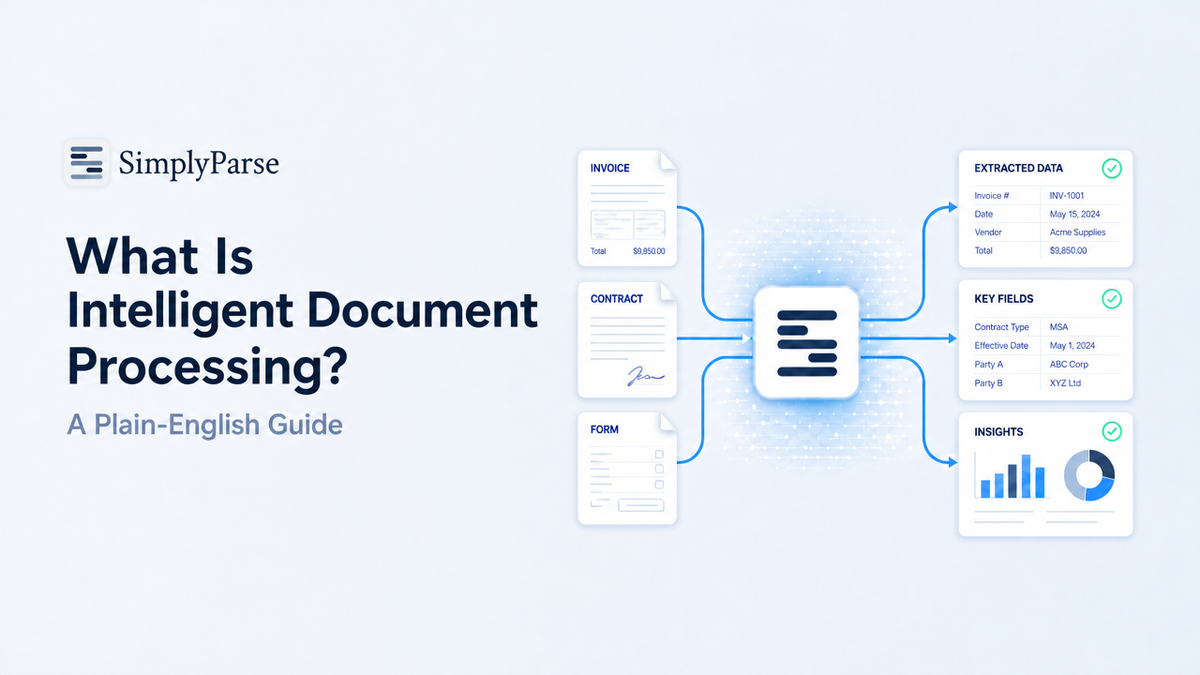
Intelligent document processing (IDP) is software that uses artificial intelligence to read documents, understand what they contain, and turn that content into structured data. It combines OCR, natural language processing and machine learning so that invoices, contracts, forms and PDFs can be processed without anyone retyping them.
If you have ever copied numbers from a PDF into a spreadsheet, you already understand the problem IDP solves. Businesses receive thousands of documents in different layouts, and most of the useful information is locked inside them. IDP unlocks it.
This guide explains what intelligent document processing is, how document processing using AI actually works, where it is used, and how to decide whether your team needs it.
Why traditional document processing breaks down
Most companies still process documents in one of two ways: manual data entry, or rule-based templates.
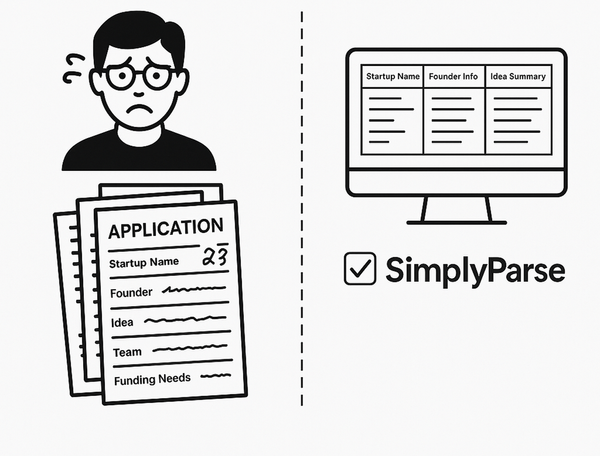
Manual entry is slow and error-prone. A person opens a document, finds the right field, and types it into another system. It works for ten documents a week. It fails at a thousand.
Template-based tools were the first attempt at automation. You draw boxes on a sample invoice and tell the software “the total is always here.” The problem is that the total is not always there. A new supplier, a redesigned form or a two-page invoice breaks the template, and someone has to fix it.
Intelligent document processing replaces fixed positions with understanding. Instead of looking for a total in a fixed spot, the system recognizes what a total looks like, wherever it appears.
How does document processing using AI work?
Document processing using AI follows a pipeline of five stages. Each stage hands its output to the next.
- Ingestion. Documents arrive from email, uploads, scanners, cloud storage or an API. Formats include native PDFs, scanned images, Word files and photos.
- Pre-processing and OCR. Scanned pages are cleaned up (deskewed, de-noised) and optical character recognition converts the image into machine-readable text. Native PDFs skip most of this step because their text already exists.
- Classification. The system identifies the document type: invoice, receipt, purchase order, bank statement, ID or contract. This decides which fields to look for next.
- Extraction. AI models locate and pull out the specific data points, such as invoice number, vendor name, dates, line items and totals. Modern systems use layout-aware models and large language models, so they read context the way a person would.
- Validation and export. Extracted values are checked against rules (do line items add up to the total?), low-confidence fields are flagged for human review, and the clean data is sent to a spreadsheet, database, ERP or JSON output.
The key difference from older automation is stage four. The model is not following coordinates; it is interpreting meaning.
The technologies behind IDP
Intelligent document processing is not one technology. It is a stack of several working together.
| Technology | What it does in IDP |
|---|---|
| OCR (optical character recognition) | Converts scanned or photographed text into digital characters. |
| NLP (natural language processing) | Understands the meaning of words, such as recognizing that “Amount Due” and “Balance Payable” mean the same thing. |
| Computer vision | Reads layout: tables, columns, checkboxes, stamps and signatures. |
| Machine learning | Improves accuracy over time as it sees more documents and corrections. |
| Large language models | Handle unfamiliar layouts and answer questions about a document’s content. |
OCR alone gives you text. IDP gives you meaning and structure on top of that text.
IDP vs OCR vs RPA: what is the difference?
These three terms are often confused, so here is the short version.
- OCR reads characters from an image. It does not know which characters are the invoice number.
- RPA (robotic process automation) clicks buttons and moves data between applications. It cannot read an unstructured document on its own.
- IDP reads, understands and structures document content. It is often the step that feeds clean data into RPA workflows.
Think of OCR as the eyes, IDP as the brain, and RPA as the hands.
Common use cases for intelligent document processing
Any team that handles repetitive documents can benefit. The most common use cases are:
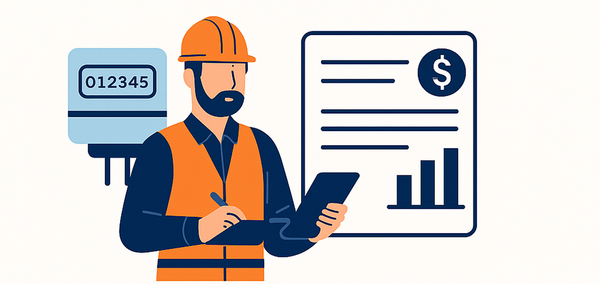
- Accounts payable: extracting vendor, date, line items and totals from invoices.
- Expense management: reading receipts submitted by employees.
- Logistics: processing bills of lading, delivery notes and customs forms.
- Banking and lending: pulling figures from bank statements, payslips and tax returns.
- Insurance: reading claim forms and supporting documents.
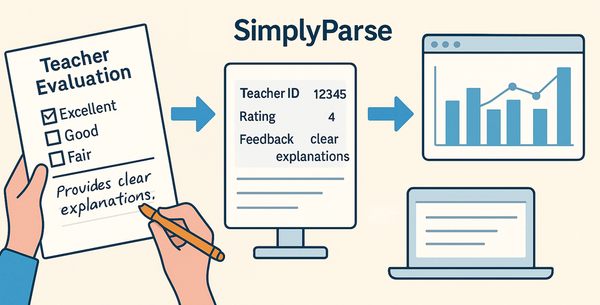
- HR: parsing resumes and onboarding paperwork.
- Manufacturing: capturing data from work orders and quality reports.
In each case the pattern is the same: high volume, varied layouts, and data that needs to end up in another system.
Visit our website to know more about parser
Benefits of document processing using AI
Benefits and Limitations combine -
Teams adopt document processing using AI for a few practical reasons.
- Speed. Documents that took minutes each to key in are processed in seconds.
- Accuracy. Fewer typos and transposed digits, plus automatic checks that catch errors a tired person would miss.
- Scalability. Volume can grow without hiring more data-entry staff.
- Flexibility. New layouts and suppliers do not require new templates.
- Better use of people. Staff review exceptions instead of retyping every field.
The benefit most teams notice first is not cost; it is the end of the backlog.
Limitations to be aware of
IDP is powerful but not magic. Poor-quality scans, handwriting and heavily stamped pages still reduce accuracy. Highly specialized documents may need examples or configuration before results are reliable. And a human review step remains important for high-value or regulated data. Good IDP tools make that review easy by showing confidence scores and highlighting uncertain fields.
How to choose an intelligent document processing tool
When comparing tools, ask these questions:
- Does it handle both native PDFs and scanned documents?
- Does it work on new layouts without building templates?
- Can it extract tables and line items, not just single fields?
- What output formats does it support (Excel, CSV, JSON, API)?
- Can you test it free on your own documents before committing?
- How does it handle data security and retention?
The best test is always your own documents. Upload ten real files, including your messiest ones, and check the output.
Getting started with SimplyParse
SimplyParse is built for teams that want the benefits of intelligent document processing without a long setup project. You upload a document, choose or describe the fields you need, and get structured output you can send to a spreadsheet or your own systems. You can try it on your own files using the free pages on the pricing plan.
Connect with us for custom model data extraction requirements.
FAQ
What is intelligent document processing in simple terms?
It is software that reads documents like a person would and turns their contents into structured data automatically.
Is IDP the same as OCR?
No. OCR converts images to text. IDP uses OCR plus AI to understand that text and extract specific fields.
What documents can IDP process?
Invoices, receipts, purchase orders, bank statements, contracts, forms, IDs and most other business documents, whether native PDF or scanned.
Does document processing using AI need templates?
Modern AI-based tools do not need fixed templates. They recognize fields by context, so new layouts work without setup.
Who uses intelligent document processing?
Finance, operations, logistics, insurance, banking, HR and manufacturing teams that handle large volumes of repetitive documents.